
The Photographer's Toolkit
Your photographs, shown the way they deserve.
Beautiful, private client galleries under your own brand. Share albums with a link, let clients mark their favourites, and keep every shoot in one calm place.
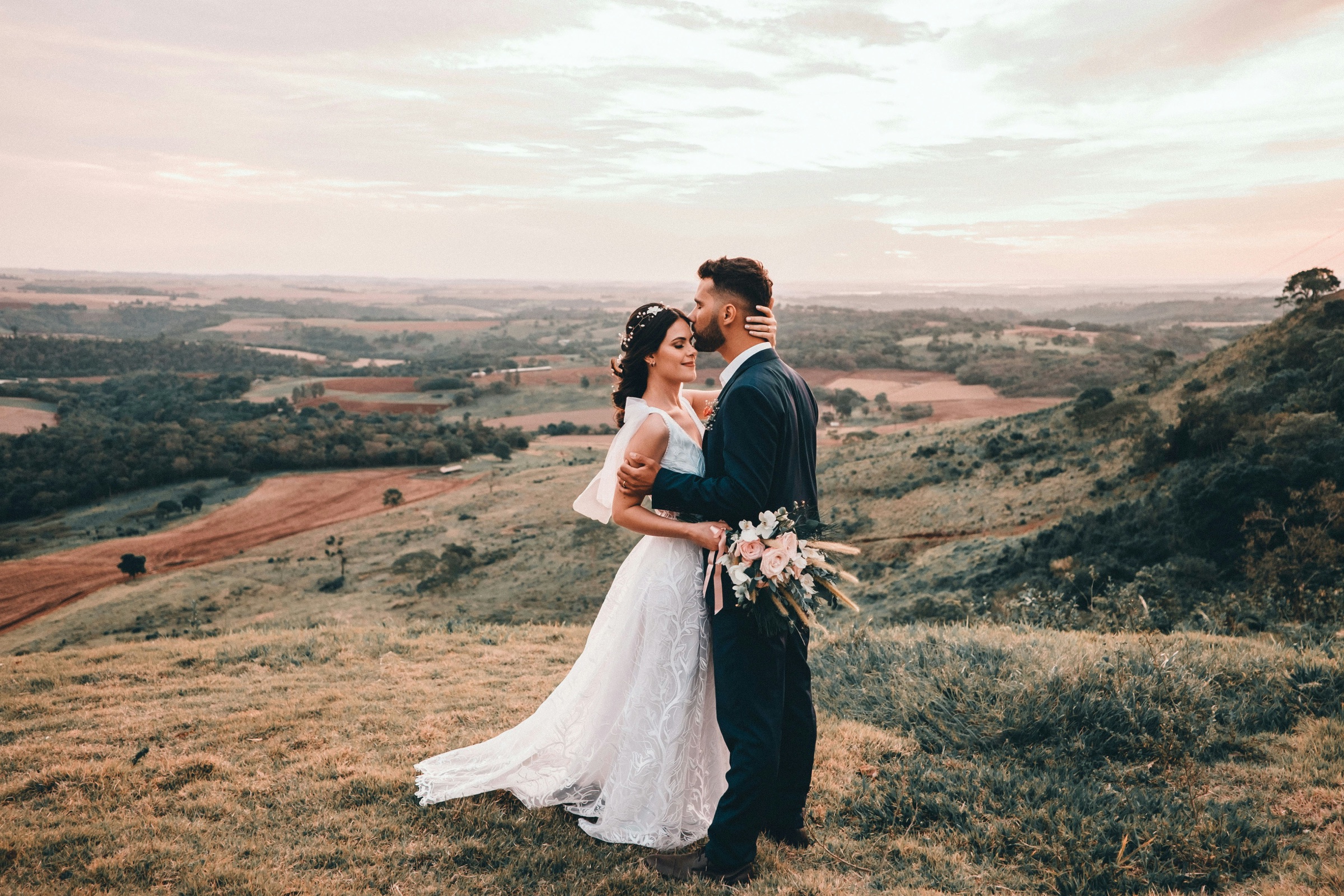
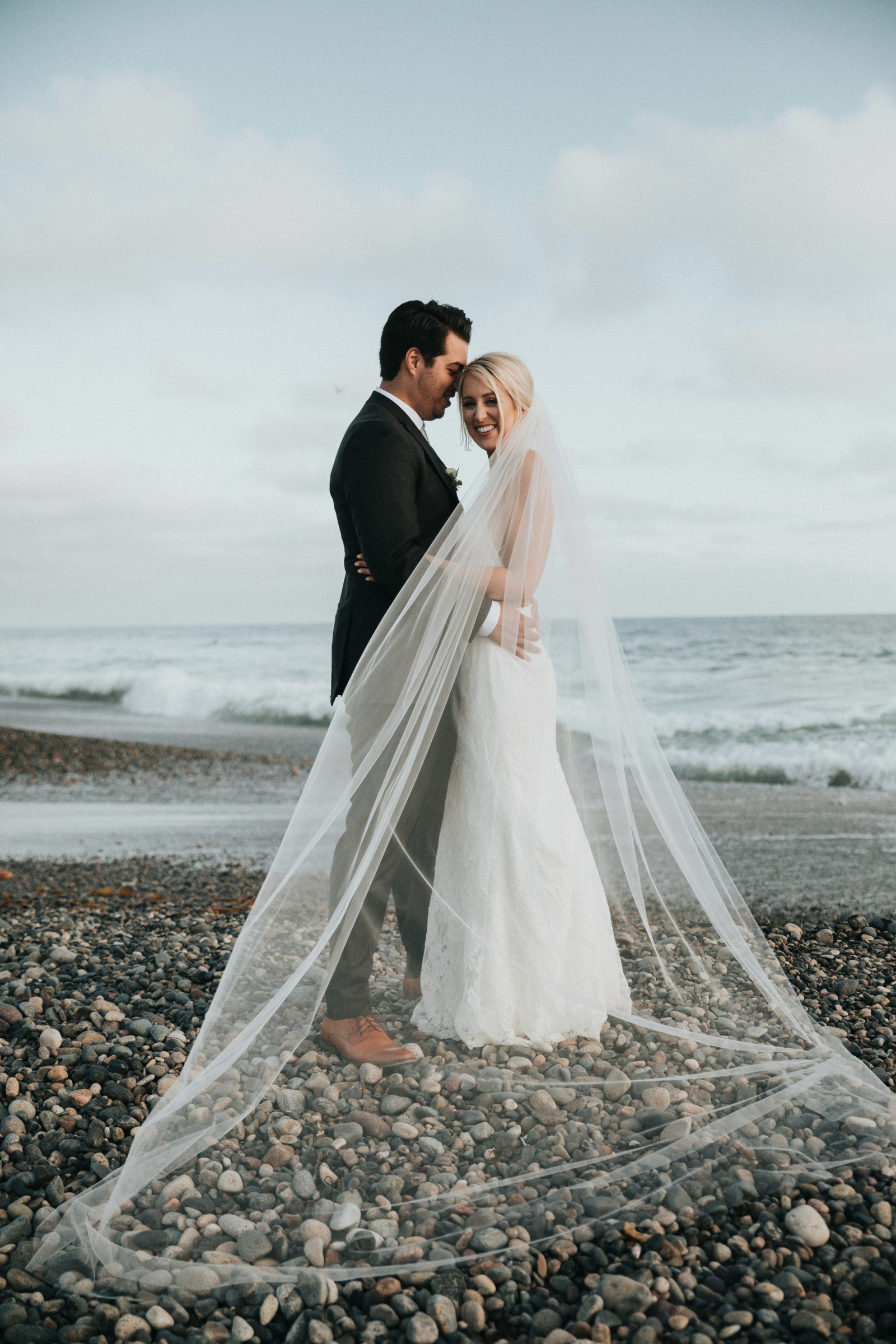

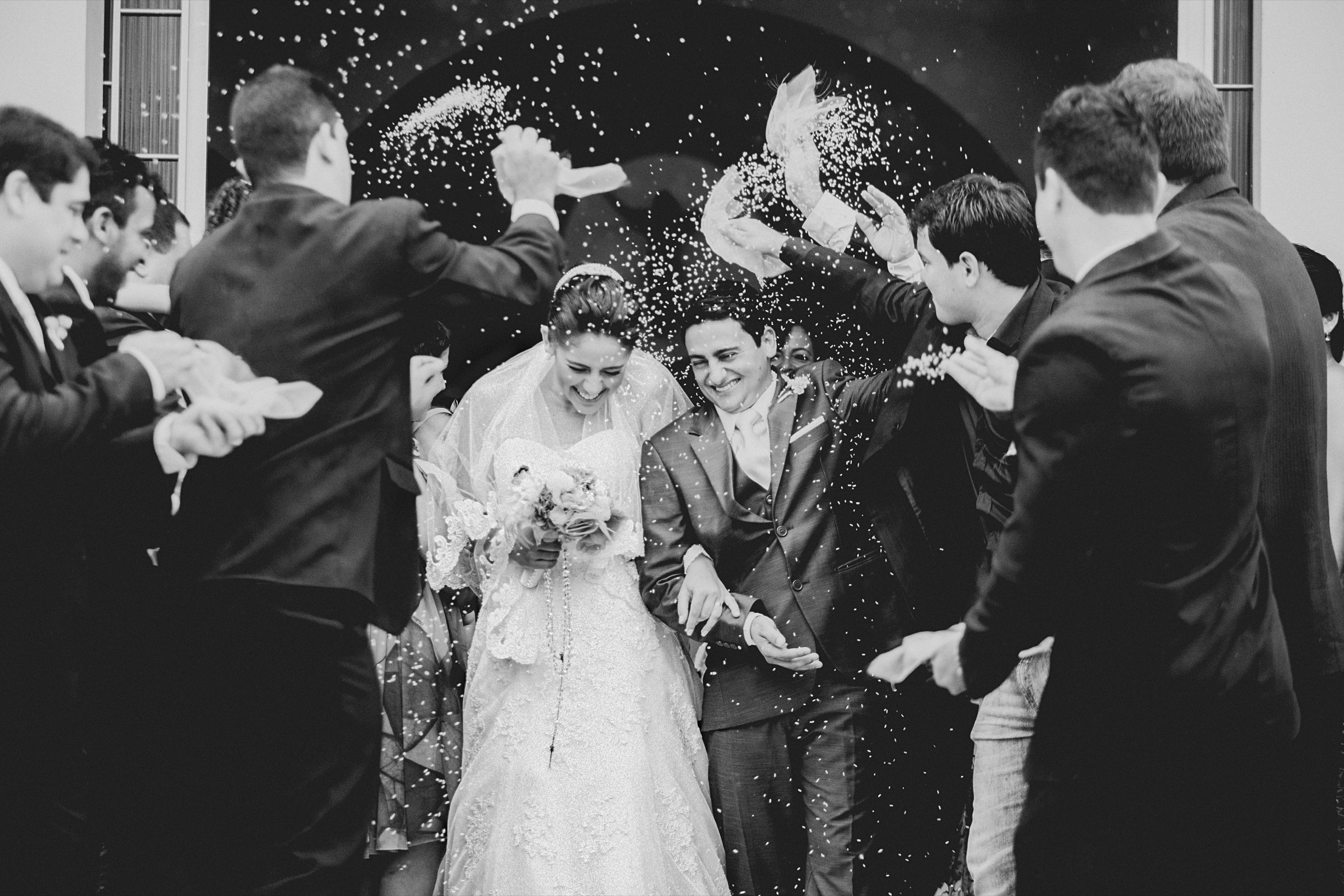

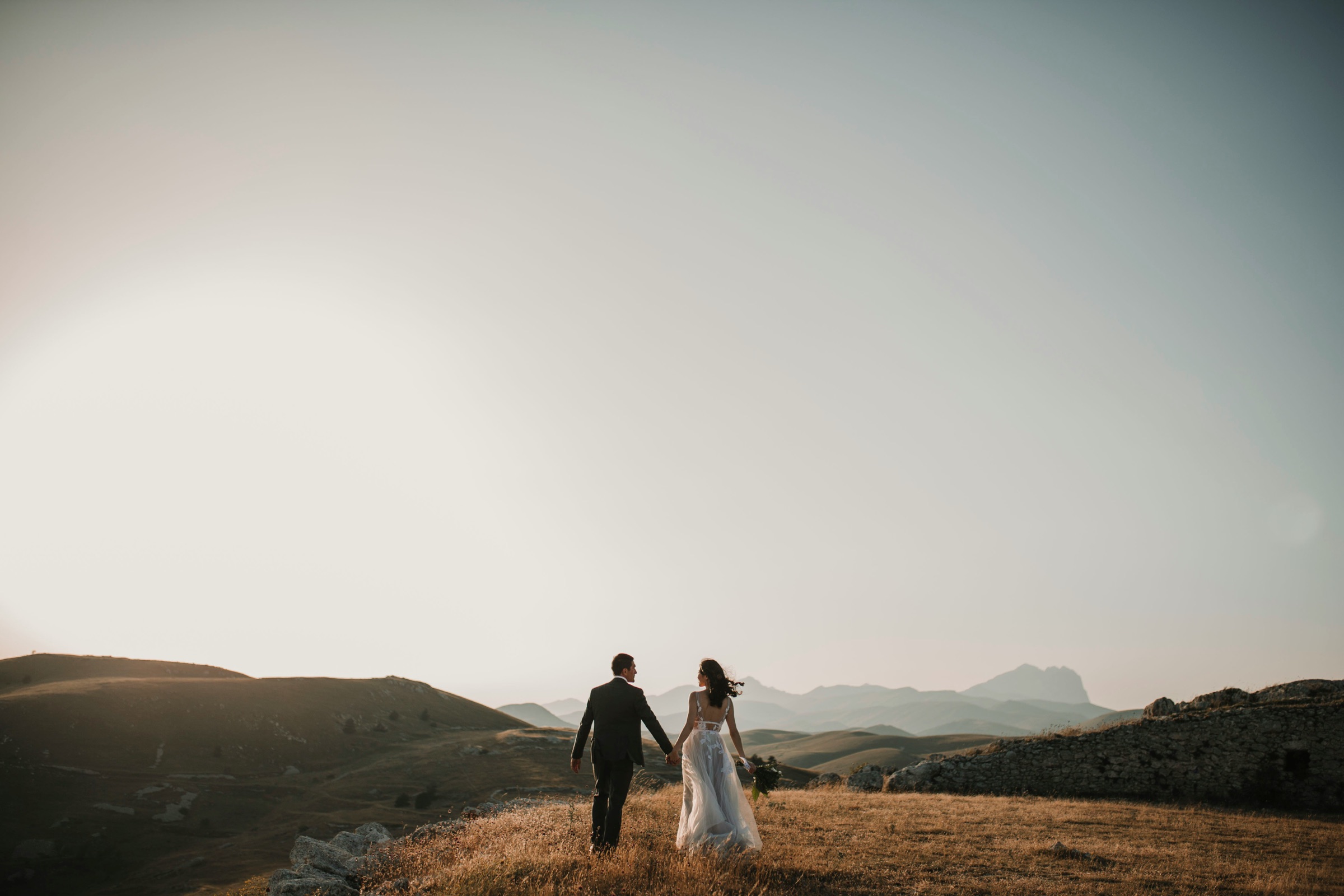
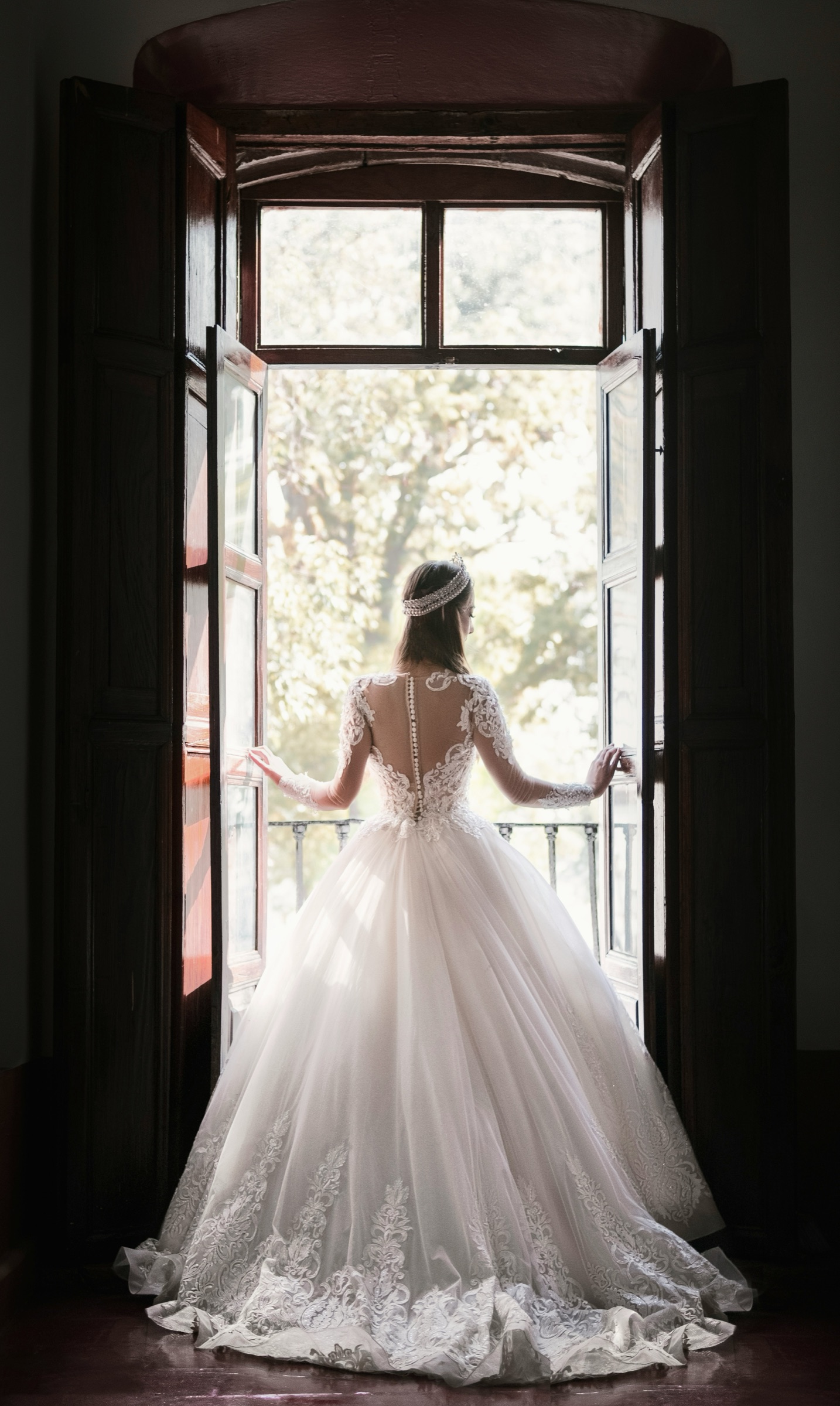
A real gallery, exactly as your clients see it: clean, private, and branded to you.
Client galleries
Delivery that feels like your own studio
Upload a shoot, publish a link, and your client gets a private, password-protected gallery, never a generic file-drop. They tap the heart on the shots they love, and you get a tidy list back for culling, ordering or building the final delivery.
- Password-protected album links, no client account required
- Client favourites, ready for culling or final selects
- Right-click and hotlink protection, kept out of search engines
- Bulk share collections when one shoot spans several albums
Moodboards
Plan the shoot before you shoot it
A freeform canvas for the creative side of the job: pull in reference images, notes, links and to-dos, then invite a client or second shooter to add to it directly. No account needed on their end, and changes save as you go.
- Notes, images, links, to-dos, tables and freehand drawing on one canvas
- Real collaborative sharing: invite anyone to edit, not just view
- Human-readable share links, generated from the board's own title
Client CRM
Run the business side without leaving Studio
Every enquiry, booking and invoice lives next to the galleries themselves, so you're not juggling a separate CRM just to keep the paperwork straight.
- Leads move through your own pipeline, from first enquiry to booked
- Sessions and bookings on a calendar you actually check
- Quotes that convert straight into an invoice once a client says yes
- Invoices you can email, mark paid, or generate as a PDF
RAW & video support
Upload straight off the card: RAW files from every major camera brand, plus video, alongside your JPEGs.
Plans that scale with you
Start free, upgrade only when you actually need more room. A clear storage allowance, with a heads-up before you reach it.
Private by default
Every gallery is excluded from search engines. Add a password when you want an extra layer for a client.
One calm home base
Every shoot, client and share link in one place. No ads, no upsells, no clutter, just your work and your clients.

Why this exists
Built by a photographer, for photographers
Folio Suite started because delivering a gallery shouldn't feel like fighting a generic cloud drive: no client accounts to set up, no clunky sharing settings, no watching a shoot sit half-organised in a folder somewhere. It's built around the actual way a shoot moves: plan it, shoot it, deliver it, and keep the client's favourites without any of the busywork in between.
How it works
From upload to delivered gallery in three steps.
Sign up free
Create your account in a couple of minutes. No card required to get started on the free plan.
Upload & publish
Add your photos and videos to a gallery, set a password if you want one, then publish to get a share link.
Share & deliver
Send the link. Clients browse privately, favourite the shots they love, and download their finals, all under your name.
Common questions
Is it actually free to start?
Yes. The Free plan needs no card and includes real storage and unlimited galleries. Upgrade only when you need more room or extra features.
Do my clients need an account?
No. A shared gallery link works on its own, with a password if you've set one. Accounts are only for you, the photographer.
What file types can I upload?
Standard JPEG/PNG/GIF/WEBP images, RAW files from major camera brands, and common video formats, all in the one gallery.
Can I remove your branding from my galleries?
Yes, on paid plans. Add your own logo, and the small "Powered by Folio Suite" link can be switched off entirely.
What happens if I go over my storage?
You'll see a clear warning before you hit your cap. Nothing gets deleted: uploads just pause until you free up space or upgrade.